
Unlock Mobile Revenue: Why Your Shopify Store Needs This
Did you know that 79% of online sales happen on mobile? Yet many Shopify merchants are missing out on this massive opportunity because they rely solely on mobile websites, where cart abandonment reaches a staggering 85.65%. In contrast, native apps see abandonment rates of just 20% and convert 3x more than mobile websites. That's where ShopAppBuilder comes in, letting you transform your Shopify store into a high-converting mobile app for just $99/month flat.
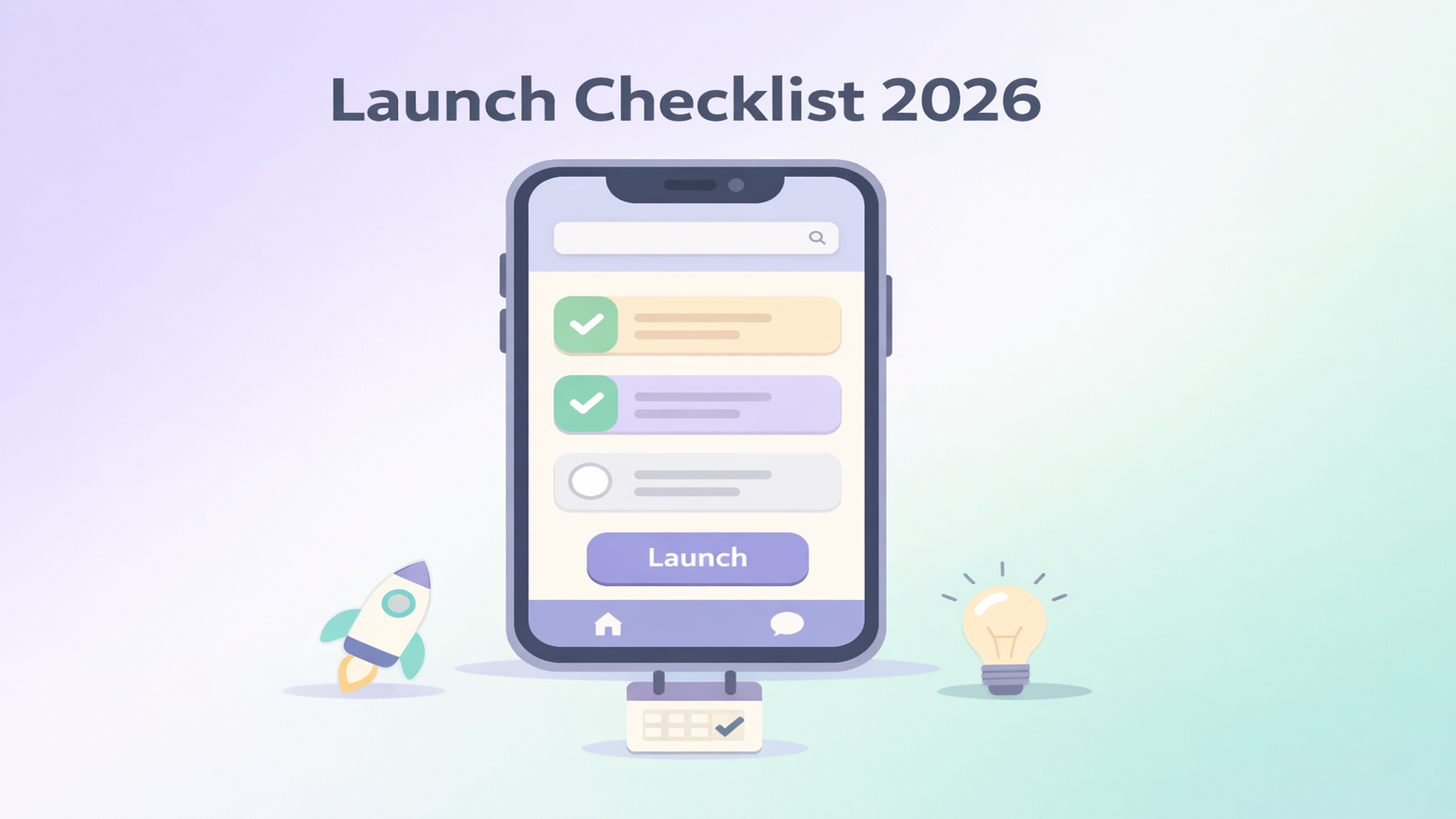
Pre-Launch Checklist: Setting Up for Success
1. Developer Accounts
First, you'll need to sign up for an Apple Developer account ($99/year) and a Google Play Console account ($25 one-time fee). These allow you to publish your app on the App Store and Google Play.
2. Branding Essentials
Choose an app name that reflects your brand, and design an eye-catching app icon and compelling screenshots. These elements are crucial for attracting downloads.
3. Push Notification Strategy
Plan your push notification strategy to engage users effectively. Remember, push notifications can drive up to 10x higher engagement than email.
4. Customize in ShopAppBuilder
Use ShopAppBuilder’s no-code, drag-and-drop builder to customize your app. Sync it with your Shopify store for real-time updates on products and inventory.
During Launch: Checklist for a Smooth Launch
1. App Submission
Submit your app to the App Store and Google Play. App Store reviews typically take 2–7 days, while Google Play reviews take 1–3 days.
2. Testing and Quality Assurance
Set up test devices to QA the checkout flow and ensure a seamless user experience. Make sure your app's performance matches your mobile web standards.
Want to see this in action? ShopAppBuilder lets you launch a native iOS and Android app for your Shopify store in days — for just $99/month flat, no success fees, no lock-in contracts. Start your 14-day free trial →
Post-Launch: Maximize Your New App's Impact
1. First Push Campaign
Set up your first push notification campaign to drive user engagement and sales. Tailor messages that encourage repeat purchases.
2. Marketing and Promotion
Share your app link with your email list and add an app banner to your website. This boosts visibility and downloads.
3. Enable Back-In-Stock Notifications
Keep users informed about product availability to drive sales. This feature is crucial for maintaining high conversion rates.
4. Monitor Analytics
Use ShopAppBuilder's analytics dashboard to track user behavior and app performance. Adjust strategies based on data insights to enhance user experience and increase revenue.
Data Insights: Real Results for Real Merchants
Shopify merchants using native apps see a 157% increase in conversion rates compared to mobile web. Session durations average 9.15 minutes in apps versus just 1.26 minutes on mobile websites. Plus, app users view 4.2x more products and have an Average Order Value that's 15% higher.
FAQs
How long does it take to launch an app with ShopAppBuilder?
Typically, you can design and launch your app in a matter of days, thanks to our no-code, drag-and-drop builder.
What platforms does ShopAppBuilder support?
ShopAppBuilder lets you launch native apps for both iOS and Android, all synced in real-time with your Shopify store.
Are there any hidden fees?
No, ShopAppBuilder charges a flat $99/month with no success fees or annual contracts.
Can I try ShopAppBuilder before committing?
Yes, we offer a 14-day free trial with full features, no credit card required, so you can explore our platform risk-free.
Ready to Turn Your Shopify Store into a Mobile Revenue Machine?
Ready to Turn Your Shopify Store into a Mobile Revenue Machine?
ShopAppBuilder gives you a fully native iOS and Android app, real-time Shopify sync, push notifications, and AI-powered recommendations — all for $99/month flat. No success fees. No annual contracts. Launch in days.